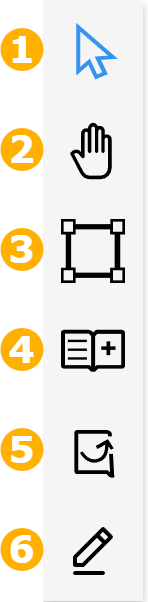
 | 1 - Selection Tool - Contains a set of tools for object selection. The tool can also be used to pan and reposition the background. 2 - Pan Tool - Used to move around the space without changing its orientation or zoom level. 3 - Boundary Tool - Opens the Boundary Panel, which displays the list of boundary types you can use to draw boundaries on the space. 4 - Catalog - Opens the Catalog Panel, which displays a list of catalog items. These items are defined in the CATALOG module. Drag and drop a catalog item onto the background area to create individual xyicon objects on your space. 5 - Unplotted Xyicons - Opens the Unplotted Xyicons Panel, which displays a list of the unplotted xyicons of the current portfolio. Drag and drop a xyicon onto the background area to plot the xyicon on your space. 6 - Markup Tool - Opens the Markup Toolbar, which includes a set of tools you can use to annotate your space. |